Simple Firefox extension for local bookmark backups and migration
Bookmarks export, developed by Patrice J, is a Firefox extension for backing up and migrating bookmarks between profiles and installs. The tool creates export files in HTML or JSON and adds selective-folder export controls to the browser toolbar for quick access. It offers a compact export workflow, saving files to the browser's downloads folder and keeping permission requests minimal. Desktop Firefox users who favour straightforward local backups and one-click migration get the most value from this utility.
What the extension is built to solve
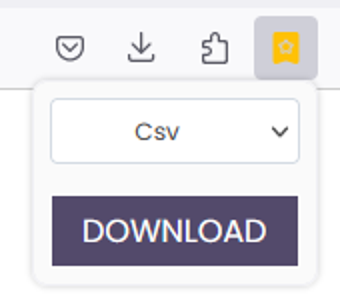
The extension focuses on one task: producing portable bookmark files for backup and migration. It supports both HTML for cross-browser compatibility and JSON for developer-friendly backups, and it lets users choose individual bookmark folders rather than exporting the entire library. Those capabilities target people who need a quick way to move curated links between Firefox profiles or to keep a local archive of bookmarks.
How it behaves inside the browser and what it requires
The add-on integrates into the Firefox toolbar and is described as lightweight, with minimal permission requirements, so it does not significantly affect browsing performance. Because the tool writes exported files to the browser's downloads folder, it keeps operations local and avoids background syncing. These choices reduce runtime overhead and limit the extension's footprint on a typical desktop profile.
Which export choices and controls are available
The interface exposes explicit export options and selective folder controls. Export output includes:
- HTML, for importing into other browsers;
- JSON, for structured backups or developer use.
How it compares with built-in bookmark tools
The extension fills a narrow gap left by the native manager by surfacing a JSON export option and a simpler selective-export flow. It is a specialist utility, not a replacement for full bookmark management or cloud sync. For users who already rely on browser sync or a feature-rich bookmark extension, this tool serves as a compact export companion rather than a substitute.
A focused tool for local exports, best for users who prefer file-based backups
Bookmarks export is a practical, single-purpose extension for desktop users who store portable bookmark files locally and need straightforward migration between profiles. Its small footprint and local-file workflow suit those who avoid cloud-based syncing, while anyone seeking integrated sync or a full bookmark manager should expect to keep using the browser's built-in services instead.